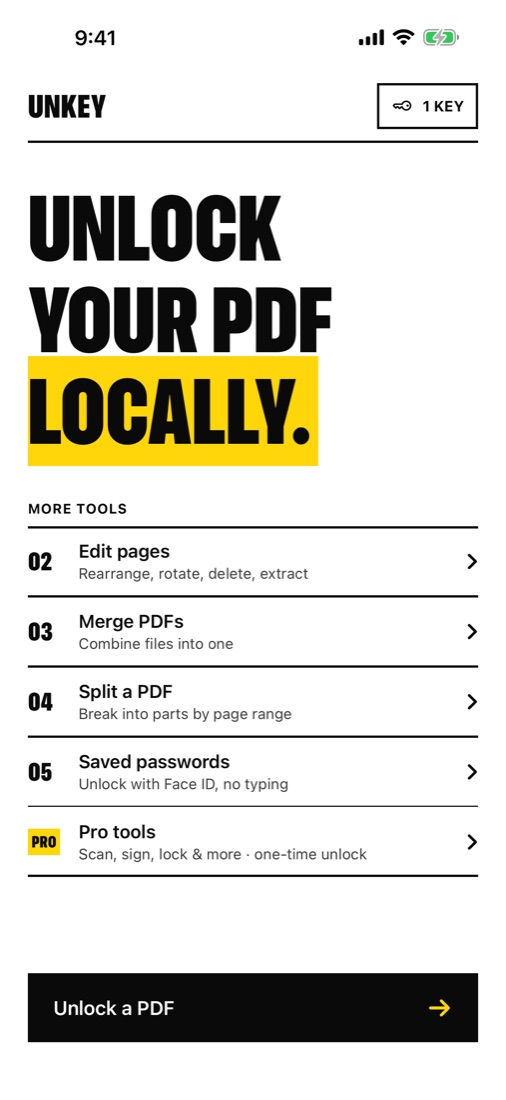
Unlock
your PDF
locally.
Remove the password from bank statements, payslips and e‑statements on your iPhone, iPad or Mac. Nothing is uploaded. Ever.
Download on the App StoreFree for iPhone, iPad & Mac · Pro tools are a one‑time purchase
100% offline
Works in flight mode. There's no server to send anything to.
Type it once
Save a password and Face ID unlocks next month's statement for you.
No subscription
Free to unlock. Pro is one price, paid once, yours forever.
Three taps.
No upload.
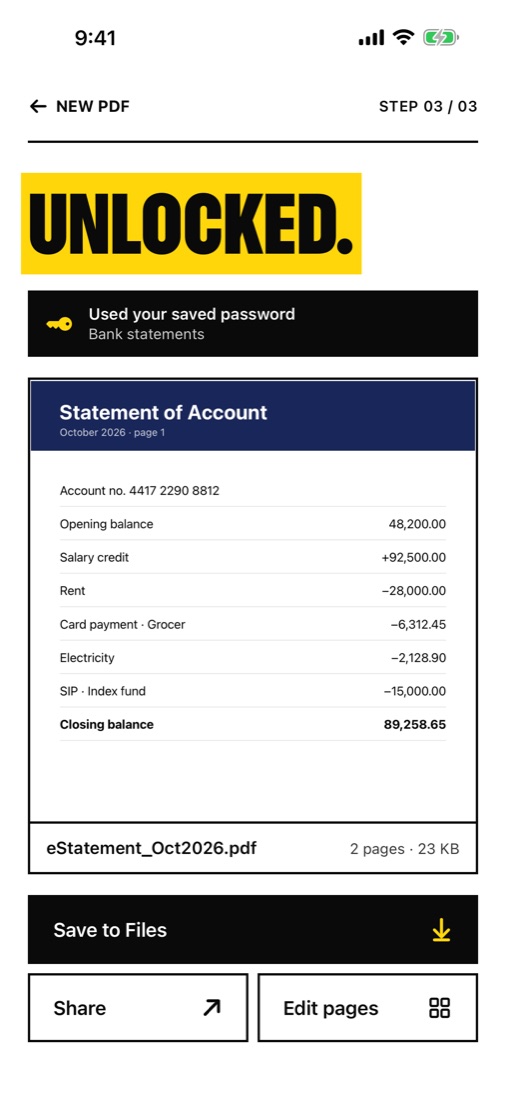
Open the PDF
From Files, Mail, WhatsApp or any app's Share button. On a Mac, just drop it in.
Enter the password
Once. Or let a saved password and Face ID do it for you.
Save the unlocked copy
It opens anywhere, with no password. Your original file stays as it was.
Everything
a PDF
needs.
- 01UnlockRemove the open password and any printing or copying limits.
- 02Saved passwordsKept in the Keychain on this device only, behind Face ID or Touch ID.
- 03Edit pagesRearrange, rotate, delete or extract pages.
- 04MergeCombine several PDFs into one.
- 05SplitBreak a PDF into parts by page range, and preview each part before saving.
Pay once.
Yours
forever.
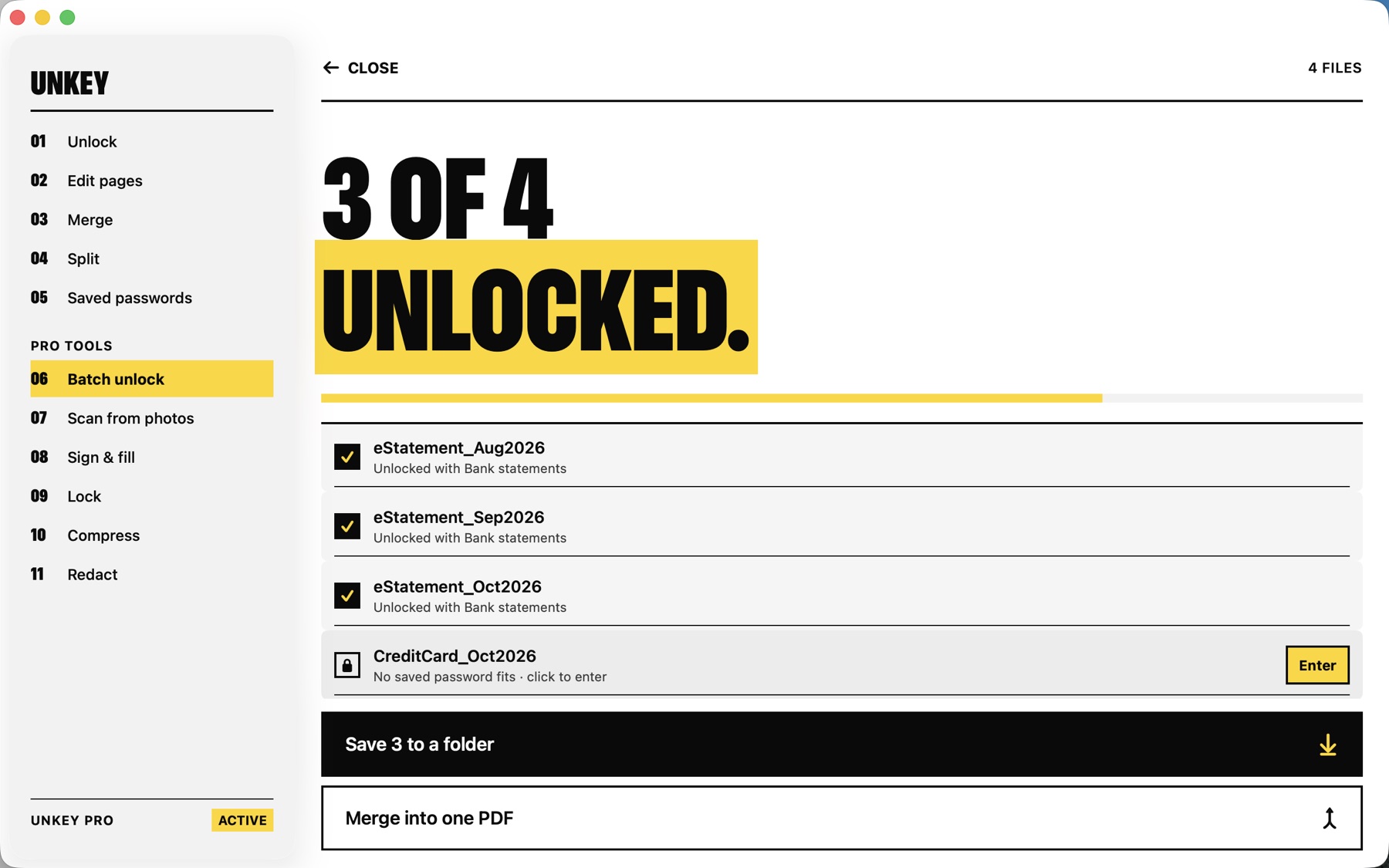
- 06Batch unlockA whole folder of statements in one go.
- 07Scan from photosAuto-cropped, cleaned-up pages, made searchable with on-device text recognition.
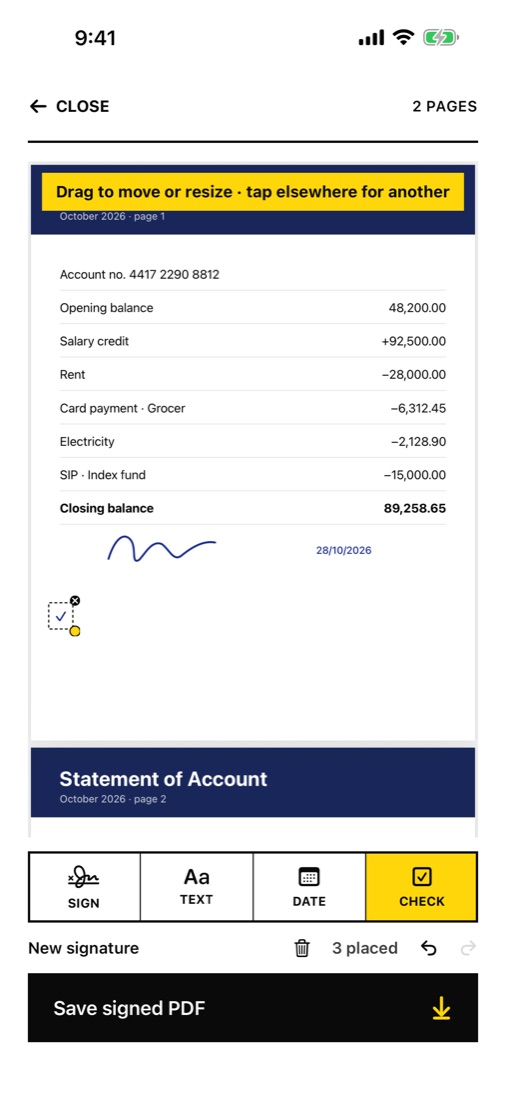
- 08Sign & fillSignature, text, date and check marks. Fill in PDF forms.
- 09LockAdd a password before you send a file.
- 10CompressShrink scanned PDFs for upload limits.
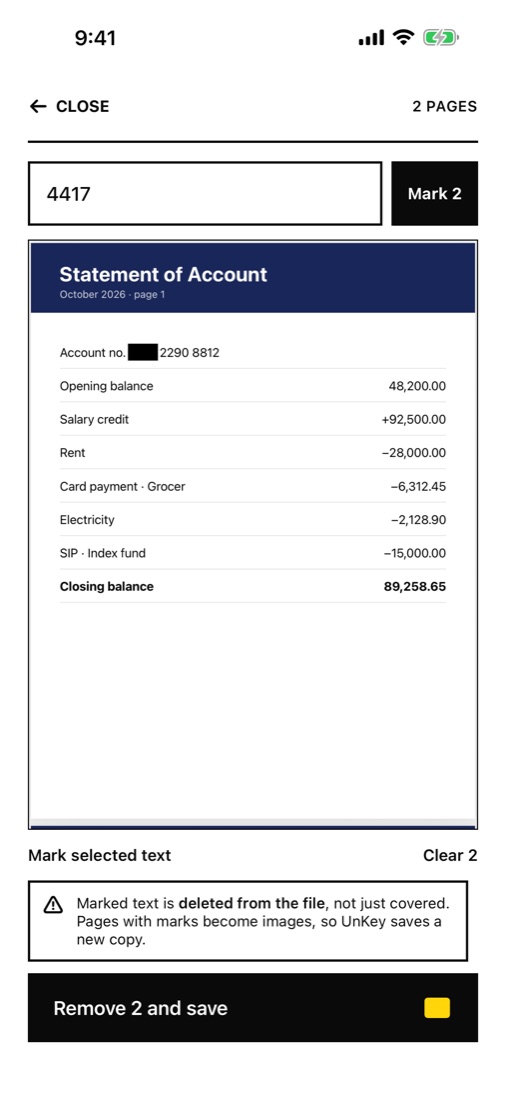
- 11RedactFind text, like an account number, and remove it from the file for good.
- 12Mac appThe same purchase unlocks Pro on your Mac.
Drop PDFs.
Done.
Drag a whole folder of statements onto UnKey. Saved passwords are tried first with Touch ID, and the unlocked copies are ready in seconds. One purchase covers iPhone, iPad and Mac.
Your files
never leave
your device.
- —No serversThere's nowhere to upload to. Every tool runs on your device, even offline.
- —No accountNo sign-up, no email, no login.
- —No trackingNo analytics, ads or third-party code, in the app or on this website.
- —Passwords stay putSaved in this device's Keychain only. Never synced to iCloud. Read the privacy policy.
What's the
password?
The password formats banks, card issuers, employers and tax portals use, from their own pages or cross-checked sources, with worked examples.
- →SBI bank statementState Bank of India e-statements
- →HDFC Bank statementCustomer ID, from HDFC's own FAQ
- →e-Aadhaar PDFName and year of birth, per UIDAI
- →Form 26ASYour date of birth, per TRACES
- →ICICI credit cardLast 4 digits of the card
- →Emirates NBD e-statementYour CIF ID, per Emirates NBD
Can UnKey remove a password I don't know?
No. UnKey needs the password once, the same one you'd type to open the file. It removes the password from PDFs you're already allowed to open, so you don't have to type it every time. It doesn't guess or crack passwords.
What's the password for my bank statement?
Banks usually build it from your details, often part of your name or customer ID together with your date of birth. The exact format is in the email the statement came with, or on your bank's website. Save it in UnKey once and you won't need to look it up again.
Are my files uploaded anywhere?
Never. UnKey has no servers. Every tool runs on your iPhone, iPad or Mac, and works in flight mode.
Where are saved passwords stored?
In your device's Keychain, protected by Face ID, Touch ID or your passcode. They stay on that one device and are never synced to iCloud or sent anywhere.
Is UnKey Pro a subscription?
No. Pro is a single one-time purchase. Buy it once and it's yours, on every iPhone, iPad and Mac signed in to the same Apple Account.
I bought Pro. How do I get it on my other device?
Open UnKey, go to the Pro screen and tap Restore purchase. Use the same Apple Account you bought it with.
Something not working, or an idea for UnKey? See help & troubleshooting.